Step 4 of 8
Recruiting video for US college coaches
Image: AI-generated.
7 steps in order
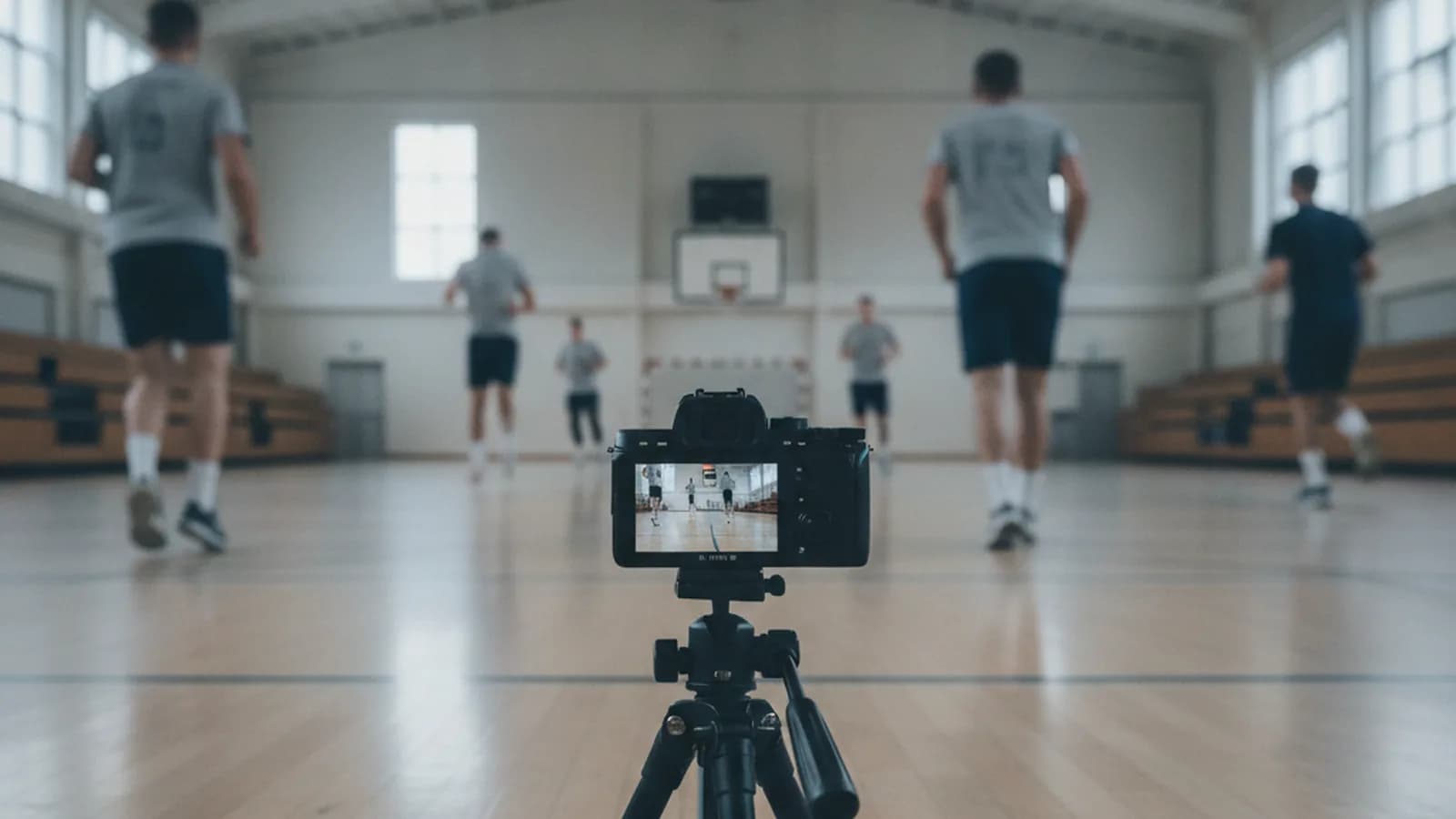
- Film the whole situationUse a fixed camera, set up high where your sport allows it. Keep the shot wide enough to show what happens around you. A close-up of you alone shows a coach nothing they can judge.
- Mark yourself in every clipStart each clip with a circle or arrow on yourself for one second. Then remove it. Add your shirt color and number to the title card. A coach who can't find you within three seconds closes the video.
- Start each clip before the actionStart each clip two or three seconds before your action. Let the scene play to its end. The coach judges your decision as well as the finish.
- Put your three best actions firstDon't sort the clips by date or build up to a climax. Your three strongest actions come first, within the first 40 seconds.
- Add a title card with your dataShow your name, year of birth, position or event, and height. Add other measurements that matter, your club and your league. Add your best results with dates and your email address. Keep the card to ten seconds and easy to read on a phone.
- Link one uncut performanceAdd a separate link to an uncut full match, race or training session. Coaches watch the highlights first. They watch the uncut footage before they make an offer.
- Host it where it opens with one clickUpload it as an unlisted video on a large platform such as YouTube. Give it a title in this order: sport, year of birth, position, name. Avoid downloads, sign-ups and file transfer links that expire.
The 8 steps on one timeline
The 8 steps overlap in time. We count them in months before your first semester. If you do them one after another, you need three years instead of two.
- Timeline
- Language test
- School records
- Recruiting video
- Writing to coaches
- University admission
- Offers
- Costs
Intros, music and slow motion waste 10 seconds
Leave out music, long intros, celebration montages and slow motion. Also leave out clips that start at the moment of contact.
Each of them tells a coach you made the video to look good. But the coach wants to judge how you play.
The second most common mistake is length. Coaches watch a 12-minute video for about 90 seconds. They give a 5-minute video the same 90 seconds.
Length and camera angle by sport
Coaches look for different things in each sport. A swimming video shows starts and turns. A golf application shows a swing sequence and your scorecard record.
A rowing application shows an uncut ergometer test. That is a timed test on a rowing machine.
1080p, horizontal format and original sound
Film in horizontal format at 1080p with a steady camera. Keep the original sound. A phone in a good spot beats a good camera in a bad spot.
Keep the original files. Coaches often ask for a longer version of one clip. A new export takes an evening, but filming again takes a whole season.
Common questions about athletic scholarships in the USA
How long should a recruiting video for a US coach be?
Do I need a professional editor for my recruiting video?
Should a recruiting video show mistakes?
Rules for your athletic scholarship in the USA
Sources
Each figure comes from one of these sources. If no source reports a figure, we do not estimate one.
- NCAA, Division I amateurism certification FAQs (April 2026) (20 October 2026)
- Jackson Lewis, A New Era Begins: NCAA Amateurism Is Out (20 October 2026)
- NCAA, 2026-27 Division II Manual, Bylaw 14.4.9 (agents) (6 November 2026)
- Report of the NCAA Division I Cabinet, April 14-15, 2026 (Proposal No. 2026-32) (11 November 2026)
The editorial team of Athletic Scholarships USA writes and checks every text and figure. We are not an agency and do not place athletes at universities and colleges. When an agency would serve you better, we say so.